
Build and Organize Custom Training Routines
Stop searching for notes or wondering what workout to run today. Save your favorite training splits, launch them in a single tap, and keep your gym sessions organized.
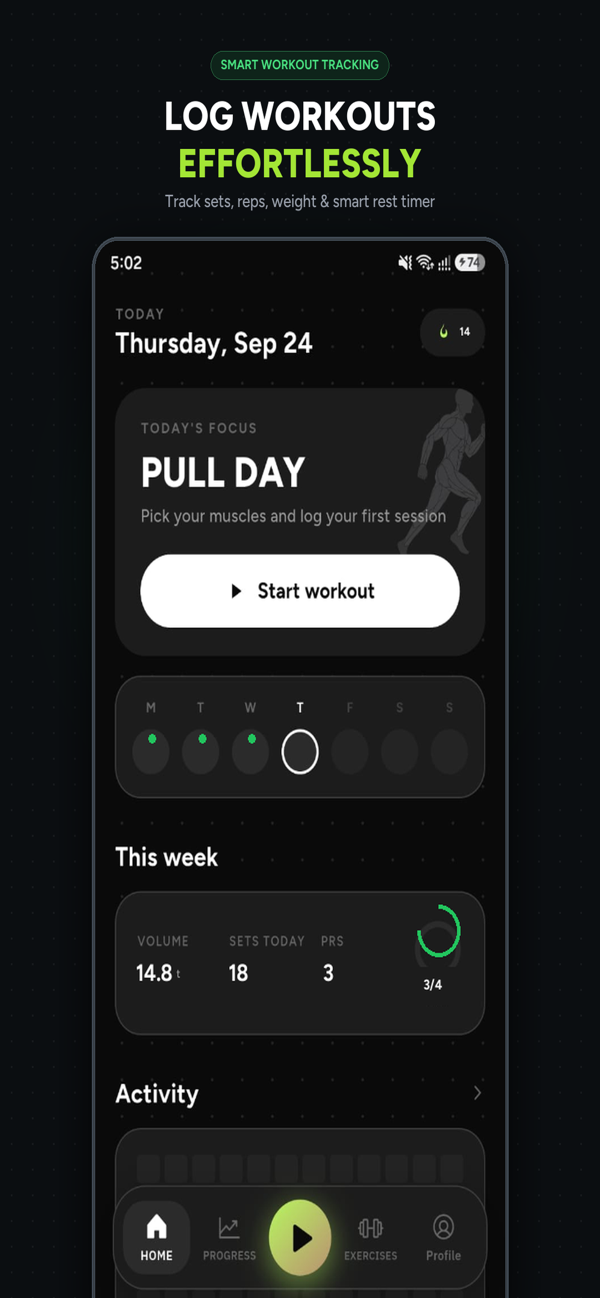
Supports Any Training Split or Philosophy
GF Track doesn't force a rigid program on you. Configure the exact split that aligns with your current schedule:
Push / Pull / Legs (PPL)
Organize chest/shoulders/triceps on Push days, back/biceps on Pull days, and quads/hamstrings on Leg days.
Upper / Lower Split
Divide your body into upper and lower training sessions, providing high frequency with 72 hours of recovery.
Full Body Routine
Hit all major muscle groups in every session with compound lifts and ample recovery days in between.
Workout Routines FAQ
Can I create multiple workout routines for different days?
Yes. You can build separate routines for Pull Day, Push Day, Leg Day, Upper Body, Lower Body, or Full Body sessions. Each routine saves your chosen exercises, preferred order, target sets, and default rest times.
Can I swap an exercise during an active workout?
Yes. If a piece of gym equipment is taken, you can substitute or add an alternative exercise directly within the active workout session without disrupting the saved routine template.
How does GF Track order exercises in a routine?
You can reorder exercises via drag-and-drop or simple list ordering. Compound barbell and heavy dumbbell lifts are typically placed first, followed by accessory cable and isolation work.